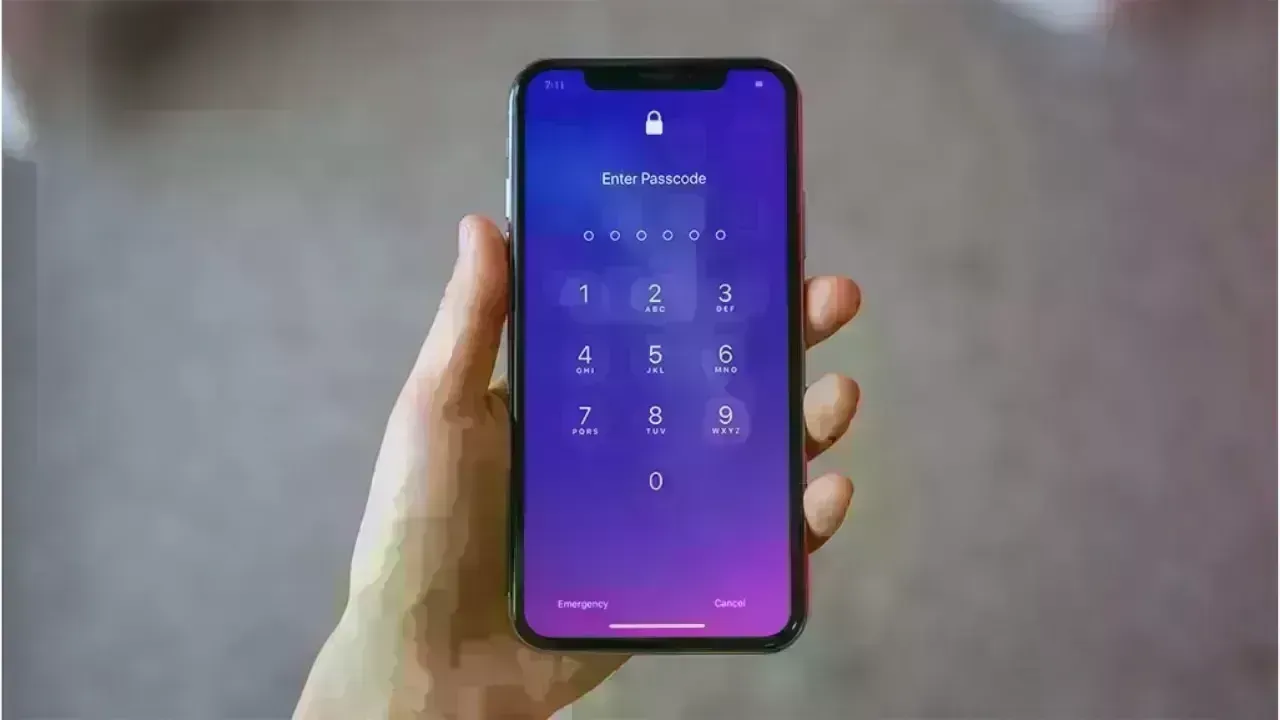
Post by : Anees Nasser
Online discussions, repair shops, and technical support have noted a sharp rise in complaints regarding OLED burn-in on devices like smartphones, TVs, tablets, gaming monitors, and wearables. Users report persistent shadows, ghost images, and discoloration on their screens, which do not disappear even after rebooting or switching content.
Although burn-in has been a known limitation of OLED technology for years, this week's instances mark a significant deviation from typical trends. The sudden uptick raises critical questions: Is it a seasonal variation? A flaw specific to particular devices? A consequence of changing viewing habits? Or is there a deeper, inherent issue with the technology?
To comprehend the reasons behind this trend, we must investigate both the technical facets of OLED displays and the user behaviors contributing to display wear. The current situation point to ongoing challenges for both manufacturers and consumers alike.
Screen burn-in refers to a permanent discoloration or retention of images on a display where particular parts show faint outlines of previously viewed content. In contrast to temporary image retention, burn-in is lasting and can worsen over time.
This occurs due to the nature of OLED displays, which utilize organic compounds for light emission. Over time, these compounds deteriorate at varying rates based on usage, brightness settings, and the kind of content displayed. When specific pixels exhibit static images for extended periods, they degrade faster than their neighboring pixels, leading to visible shadows or color inconsistencies.
The recent increase in complaints signals a rapid degradation across numerous devices, especially those displaying heavy static content.
This week saw multiple factors combine to amplify the spike in burn-in complaints. A close examination of user behavior, software updates, and environmental influences reveals a clearer understanding of why so many individuals are encountering this issue concurrently.
One significant contributor this week has been the extensive use of applications featuring long static UI elements.
App engagement is notably high, particularly for:
financial and stock-tracking apps
messaging apps with bright interface colors
video applications displaying static pause menus
gaming interfaces featuring fixed HUD elements
navigation apps with continuous icons
social media apps with bright buttons and labels
Extended usage of these apps means that certain pixels continuously display high-contrast elements, creating perfect conditions for burn-in.
This week's rise in static-interface app usage corresponds directly to the spike in complaints.
Several device manufacturers released updates this week impacting smartphones, tablets, and TVs. Notable changes included:
higher default brightness levels
reduced dimming sensitivity
increased screen-on durations
modified color temperature settings
altered timing for pixel-shift options
While these adjustments aimed at enhancing visual experience, they may have inadvertently placed additional pressure on OLED pixels, escalating the likelihood of burn-in for susceptible devices.
Consumers often overlook these subtle changes, yet the consequences become evident with consistent use over several days.
Certain regions have experienced surges in:
sports streaming
holiday-themed programs
gaming marathons
long-duration live broadcasts
static scoreboard visuals
news networks running continuously
Fixed logos, scoreboards, banners, and branding elements linger on displays for hours, resulting in increased strain on OLED screens.
This week's heightened streaming activities align closely with the sudden rise of burn-in issues across TVs and smartphone screens.
Gamers have reported pronounced burn-in complaints, primarily due to frequent use of:
mini-maps
health bar displays
ammo count trackers
navigation indicators
static game backgrounds
bright menus
Average exposure of these elements can drastically deteriorate OLED panels. The recent releases of highly popular games alongside extended gameplay have intensified the concern.
Recent weather has been notably bright in many areas, prompting users to crank up their screen brightness while outdoors, accelerating pixel wear. Some devices raise brightness automatically—especially smartphones—which can lead to quicker aging in certain screen areas.
This effect is pronounced when combined with static overlays or navigation features.
Smartphones and wearables featuring always-on displays have seen increased activity this week due to seasonal changes, fitness tracking, and charging habits during travel.
Always-on displays generally indicate:
time displays
battery status
step counts
notifications
watch information
Despite manufacturers' intent to minimize risks, prolonged overnight use can substantially affect OLED layers.
Leaving screens idle with static images inherently contributes to OLED degradation. This week, an increase in idle screens has been observed with:
still video displays
non-moving home screens
browser tabs left open
paused games
frozen casts to televisions
extended charging screens
The longer the idle periods, the higher the risks of pixel fatigue.
Regardless of unusual usage patterns, many OLED devices have aged to the point where burn-in becomes more frequent. Devices reaching their two-year mark experience accelerated pixel aging. This week’s increased complaints suggest that many early-generation devices launched around the same time are now experiencing this threshold.
Manufacturers typically do not highlight the longevity of OLED screens, but the lifespan of organic pixels is limited. Older devices are merely exhibiting natural wear from prolonged use.
Users report varying symptoms depending on device and severity of degradation.
Commonly observed issues include:
faint impressions of app icons
visible outlines of keyboard layouts
inconsistent brightness levels
tints (pink, green, or yellow)
persistent image retention
static elements affecting all backgrounds
For televisions, logo burn-in is often localized in the corners. For smartphones, navigation bars and keyboard areas frequently show the earliest signs of wear.
The appeal of OLED lies in its individual pixel illumination, yet this quality renders it more vulnerable compared to LED or LCD screens.
Every OLED pixel consists of organic compounds that falter under:
high brightness levels
static imagery
prolonged display times
blue-light intensive content
As pixels degrade, uniformity issues start to surface, leading to visible burn-in patches.
In contrast, LED and LCD screens use backlighting to distribute wear uniformly, making them less susceptible to pixel-level degradation.
The recent increase in complaints has prompted many users to reach out to service centers only to find that burn-in isn’t always eligible for coverage.
Manufacturers often label burn-in incidents as:
"wear and tear"
"user-caused behavior"
"improper usage patterns"
This situation leads to frustration among consumers. However, predicting burn-in can be challenging. Even with the best practices, it can manifest due to app layouts, brightness settings, and device age.
Users can adopt certain habits to greatly lessen the risk of burn-in.
Heightened brightness accelerates wear. Lower it to the most comfortable setting.
Built-in tools from manufacturers are designed to minimize static pressure.
Frequent app switching, employing screensavers, and refraining from prolonged paused displays can help.
Dark themes decrease pixel activity and can prolong screen lifespan.
Disable overnight or considerably dim when not required.
Attempt to reduce brightness in sunny conditions.
Vary channels, change streaming services, or activate screensavers.
Active screensavers provide movement to mitigate strain on pixels.
Opt for games that allow custom HUD layouts with reduced static elements.
Some devices permit gesture-based navigation, which can eliminate static bottom bars.
While users are pivotal in adopting preventive measures, manufacturers must also enhance display durability.
More advanced algorithms can aid in balancing pixel wear.
Improved thermal distribution can lessen screen wear.
Ongoing research needs quicker implementation for better durability.
Consumers should be informed about the expected longevity of OLED devices.
Given the inherent characteristics of OLED technology, offering coverage may alleviate user dissatisfaction.
Emerging display technologies such as Mini-LED and MicroLED may mitigate burn-in risks.
Mini-LED enhances brightness and contrast without organic pixels, while MicroLED provides OLED-like quality devoid of degradation.
However, these options remain expensive or not widely accessible. OLED continues to prevail due to its superior black levels, contrast, and slim designs.
The recent surge in OLED burn-in complaints is not an isolated incident; rather, it reflects a combination of consumption habits, seasonal factors, software adjustments, and aging devices. While OLED technology provides extraordinary visuals, its organic nature positions it at risk for wear, particularly with static content, high brightness, and frequent usage.
Grasping the reasons behind burn-in, recognizing its early indicators, and adopting protective strategies are essential for users keen on prolonging their OLED devices' lifespan. As manufacturers refine their products and users adapt their habits, the objective is not merely to eradicate the risk, but to manage it wisely.
This article provides a general overview of OLED display behavior based on current observations. Actual device performance may vary based on usage, specifications, model, and age. Users facing severe issues should consult certified service centers.









Anticipated Dates for UAE Eid Al Adha 2026 Unveiled by Astronomical Experts
Experts predict Eid Al Adha 2026 in the UAE to start on May 27, prompting early holiday planning amo

DAE Achieves Remarkable Growth in Q1 2026 With Record Revenue
Dubai Aerospace Enterprise announces impressive financial results for Q1 2026, reflecting a surge in
Price Increase for Sony PS5 in Southeast Asia Effective May 1
Sony announces a price increase for the PS5 across Southeast Asia starting May 1, 2026, impacting ga

Potential ‘Super El Niño’ in 2026: Understanding the Climate Risks
Could a Super El Niño emerge in 2026? Discover its implications and potential global climate impacts

Global Energy Crisis Intensifies: Markets React to Oil Supply Challenges
Markets are on edge as oil disruptions escalate, influencing prices and economic stability. Explore

Must-See Tourist Spots in London You Can't Overlook
Explore London's essential attractions, from royal landmarks to vibrant markets, ensuring an unforge