Post by : Sami Jeet
In today's rapidly changing work landscape, being confined to a single device isn't practical anymore. Whether you're on the go, working from home, or managing urgent tasks, remote file access has become invaluable. However, ensuring security should always be a priority. Many users leverage remote access tools without acknowledging the potential risks, which can compromise sensitive data. The positive aspect is that with the proper tools and knowledge, you can achieve secure remote access to your laptop files.
Remote access allows you to connect to your laptop from another device—like a smartphone, tablet, or another computer—and operate it as if you were right there. This capability enables you to open documents, run applications, and manage tasks from any location.
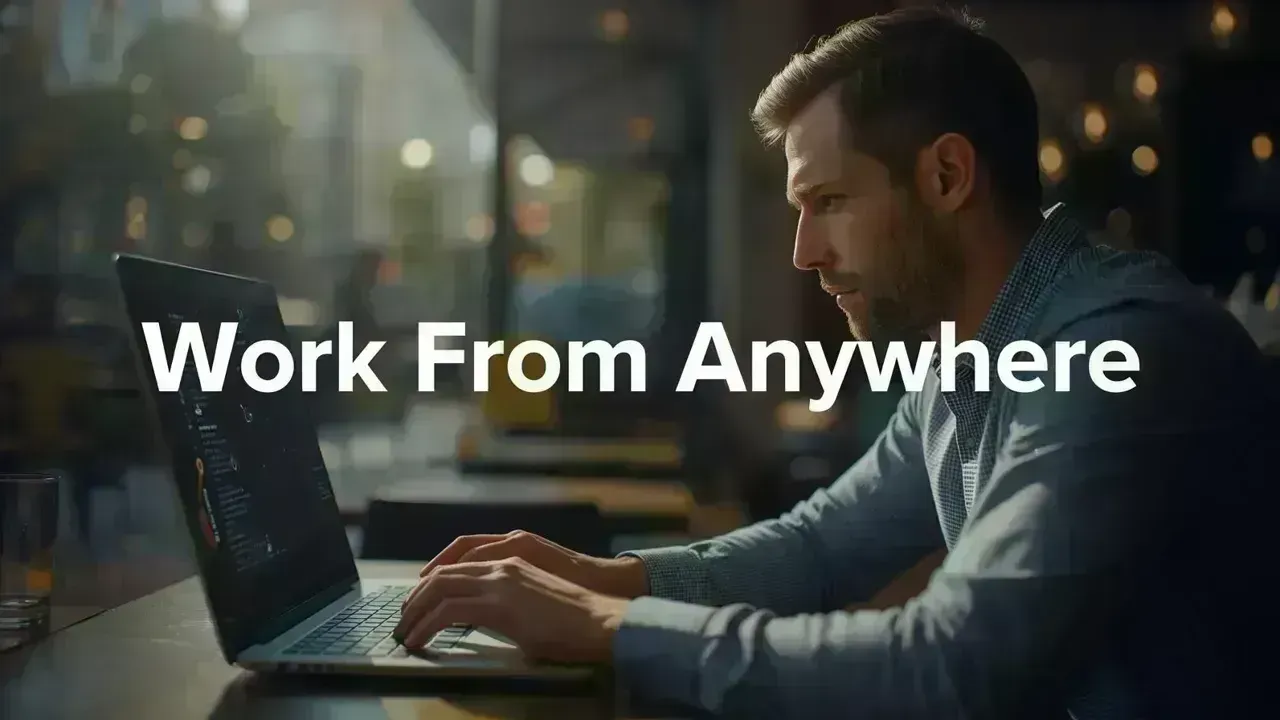
In the modern work environment, working from anywhere has shifted from being a luxury to a necessity. Whether you’ve forgotten an essential file at home or need to finish a report while traveling, remote access helps keep you always connected to your work.
A highly reliable method is using remote desktop software that facilitates full control of your laptop from another gadget. Applications such as Chrome Remote Desktop and Microsoft Remote Desktop are popular for their effectiveness.
These tools provide total access—not just to files—making them perfect for professionals requiring complete functionality. Once connected, you’ll be able to utilize your laptop as if you were physically present.
For those who don’t require full control of their system, cloud storage offers an easier solution. Services like Google Drive and Dropbox allow you to upload and access files hassle-free from any location.
This approach is particularly beneficial for documents and images, acting as an additional backup to protect your files in case your device becomes inaccessible.
File syncing applications keep files up-to-date on various devices. Changes made on your laptop automatically reflect on all other connected devices in real time.
This method is ideal for individuals who switch between multiple devices and need instantaneous file access without manual transfers, which saves time and minimizes the risk of using outdated versions.
Setting up remote access isn’t as complicated as one might think. Begin by installing a trusted remote access application on your laptop and signing in with your account. Next, enable remote access and set a robust password or PIN.
Then, install the same application on the device you plan to use for access. After pairing both devices, secure access to your laptop is just a click away. This simple procedure ensures a safe remote desktop connection without any cumbersome steps.
While remote access offers convenience, it also presents risks if mismanaged. Issues like unauthorized access, weak passwords, and unsecured networks can lead to significant data exposure.
Utilizing public Wi-Fi without protection is among the biggest errors. Hackers may intercept data and gain insights into sensitive information. Being aware of such risks is the first step in safeguarding your system.
It’s essential to use a strong password for remote access that is challenging to guess. Activating two-factor authentication (2FA) provides an additional layer of security requiring a second verification.
Public networks often lack security. If using them is unavoidable, consider a VPN (Virtual Private Network) to encrypt your connection and secure your data.
Running outdated software can expose security vulnerabilities. Frequent updates ensure your system is equipped with the latest security patches, diminishing the likelihood of cyber-attacks.
Keeping your session open could leave your system vulnerable. Always remember to log out after using remote access, particularly on shared or public systems.
Your choice between remote desktop and cloud storage depends on individual needs. If you need full access to your laptop, including apps and settings, remote desktop is ideal. Conversely, for straightforward file access, cloud storage is faster and easier.
Recognizing this distinction ensures you can adopt the most efficient and secure file access method tailored to your requirements.
As remote work continues to rise, the focus on security can’t be overstated. Accessing files from diverse locations escalates the risk of exposing valuable data if adequate precautions are not taken.
By adhering to secure methods, you can enjoy the advantages of remote work without jeopardizing your information. A security-first approach to remote working guarantees enduring safety and reassurance.
Remote access is an invaluable tool allowing flexibility and freedom. However, with this freedom comes significant responsibility. Properly setting up tools and following fundamental security protocols enables you to work from anywhere without concerns.
In today’s digital environment, the aim should extend beyond convenience—it's about secure and efficient remote working. When you find the right balance, you foster a system that truly enhances your productivity.
This article serves informational purposes only and offers general insights into remote access tools and security practices. Users must verify software configurations, security features, and network protections before enabling remote access. Individual setups may differ based on devices, operating systems, and usage. Always heed official guidelines and cybersecurity best practices to safeguard your data.









Global Energy Crisis Intensifies: Markets React to Oil Supply Challenges
Markets are on edge as oil disruptions escalate, influencing prices and economic stability. Explore

Must-See Tourist Spots in London You Can't Overlook
Explore London's essential attractions, from royal landmarks to vibrant markets, ensuring an unforge

Ultimate Guide to Snagging Cheap Flights in 2026
Unlock the secrets to booking affordable flights in 2026 with insightful tips and strategies tailore

The Impact of Consistent Small Investments on Wealth Building
Discover how investing small amounts regularly can positively transform your financial future over t

7.5 Magnitude Earthquake Strikes Japan, Tsunami Alerts Issued
Japan experiences a hefty 7.5 quake, prompting tsunami alerts and safety measures. Stay updated on a

Reopening of the Strait of Hormuz: New Regulations to Impact Global Trade
Iran reopens the strategic Strait of Hormuz with new regulations affecting oil transport and global